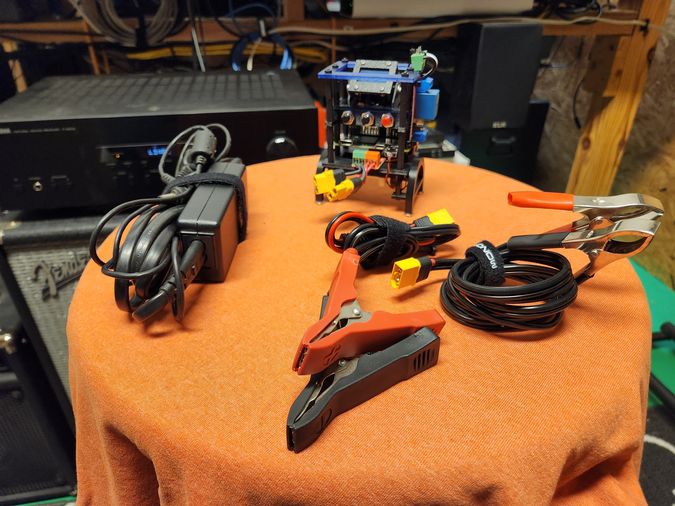
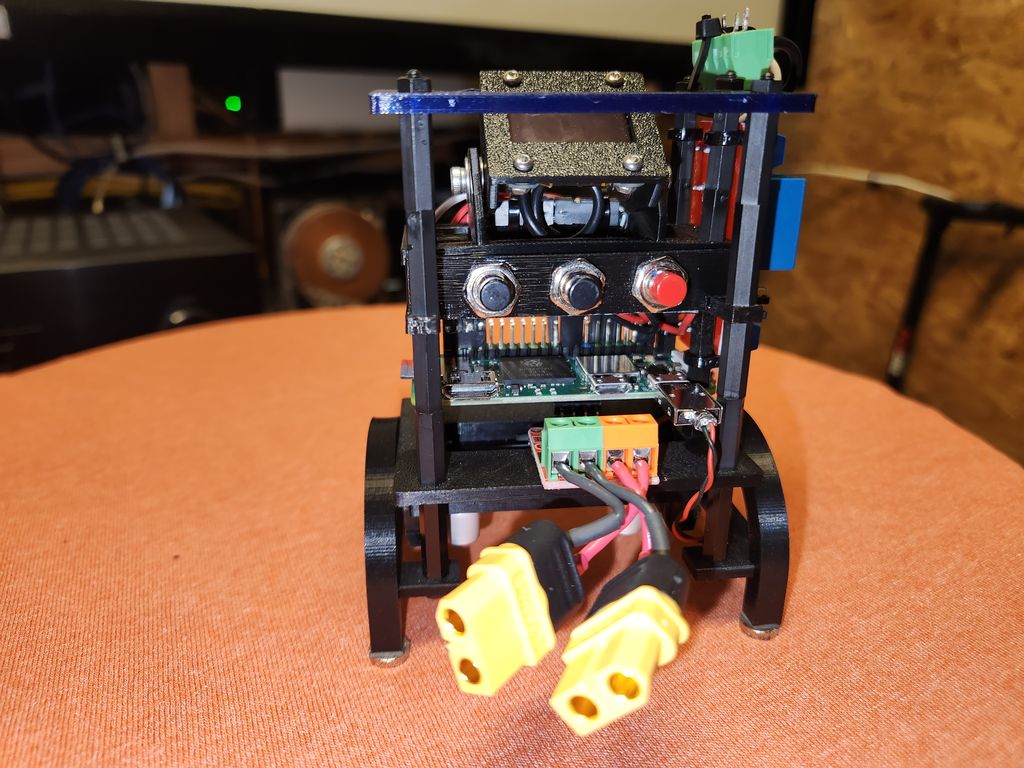
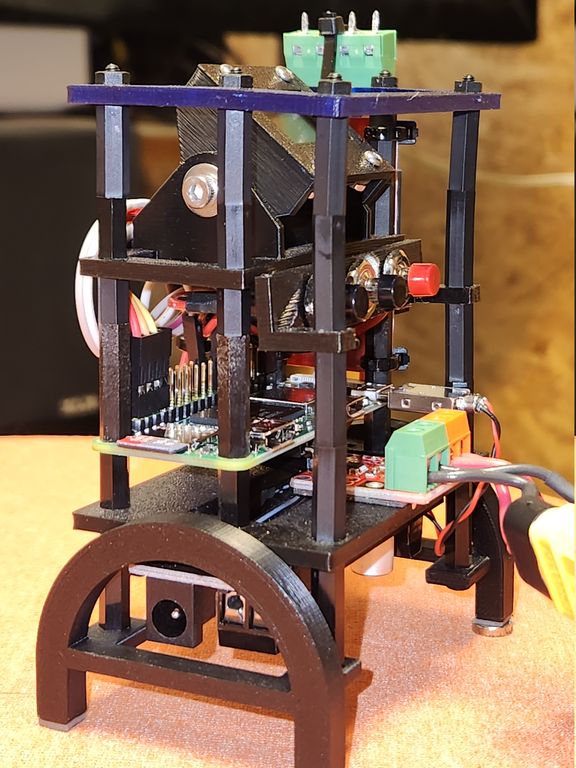
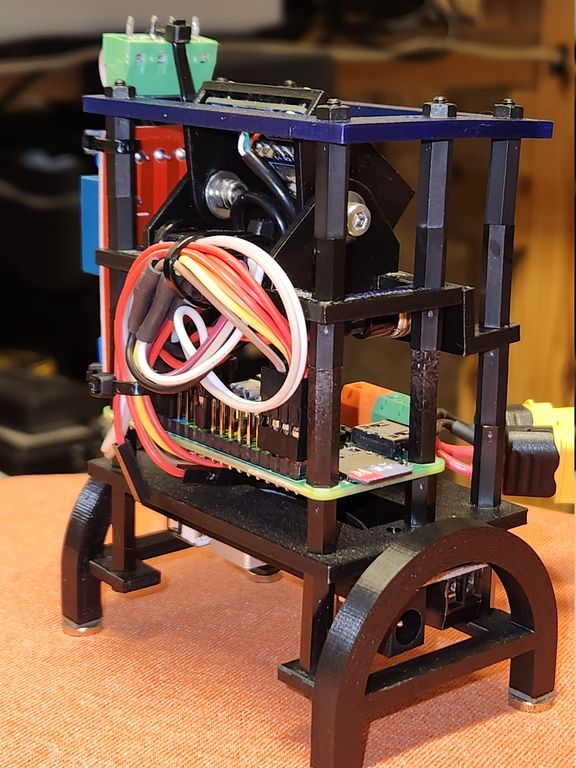
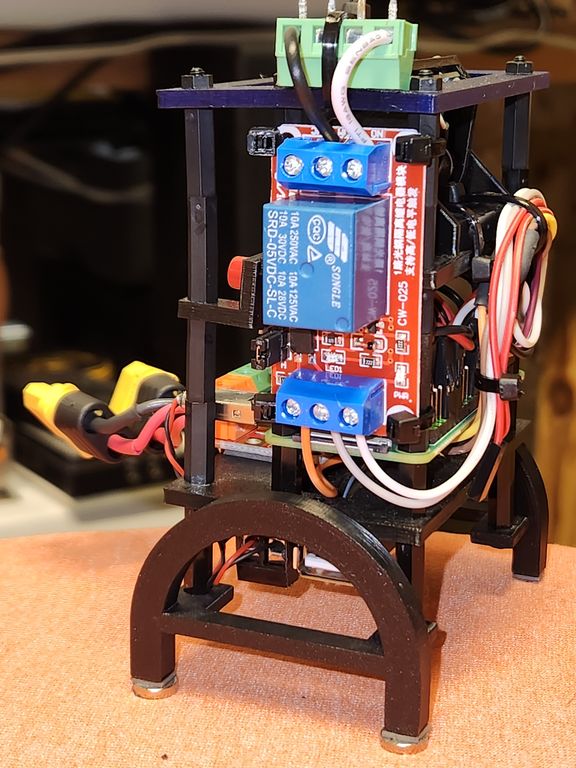
 This is Batmon and all his parts. Batmon just does his job and does it perfectly. What more can I ask?
The Need:
I was trying to diagnose a parasitic drain on the battery in The Tug. This can be a very tedious process. I knew if I had the right tool, it would be much easier.
Introducing BATMON by drgerg
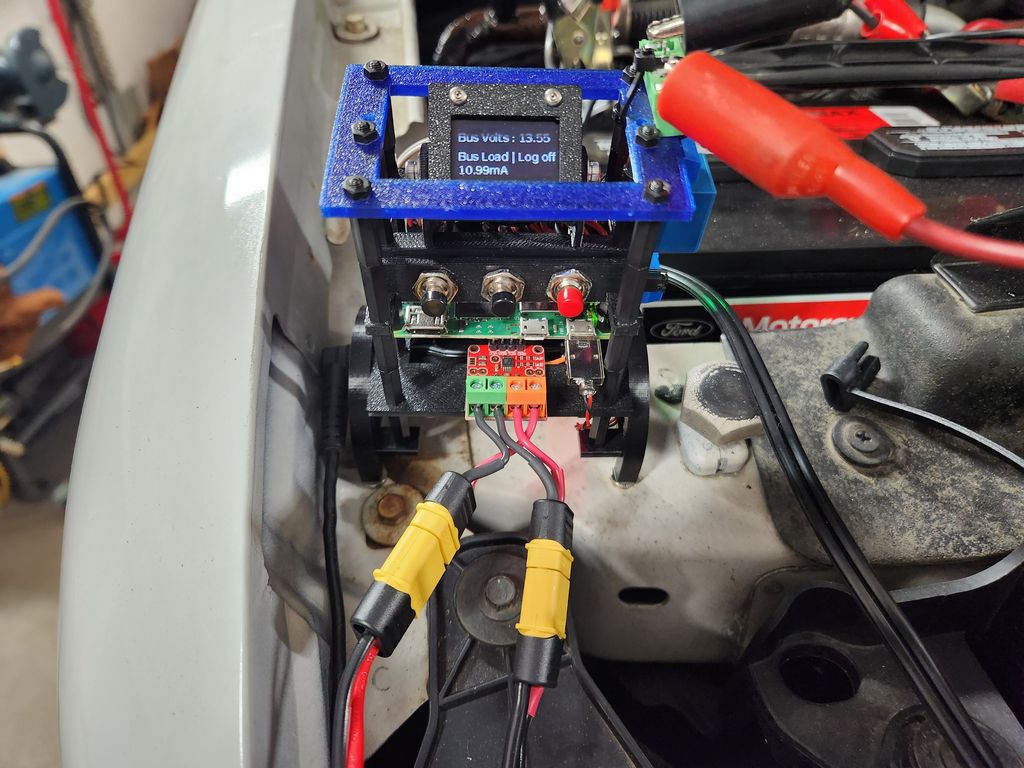
Batmon is a Raspberry Pi Zero W running my own custom Python code using an INA226 voltage & current module, a relay and a tiny OLED display. This particular INA226 module is good for DC circuits up to 36 volts and up to 20 amps of current.
This tool does a few things for me that I find simply delightful.
- It monitors the voltage of a DC power source up to 36 volts.
- It monitors the current draw of an associated circuit up to 20 amps.
- It shares these statistics with my MQTT servers (brokers).
- It logs readings every second or so.
- A middle-button press stops logging and then emails me a .csv file of the last log.
- A long-press clears all the old logs out of the log folder.
- A left-button press inserts a flag into the log indicating a new test of some kind.
- Pressing the red button shuts the Pi down gracefully.
- Various different test leads can be used by means of the XT60 connectors.
- A relay provides a way to signal a change in current level. I use a continuity checker attached there.
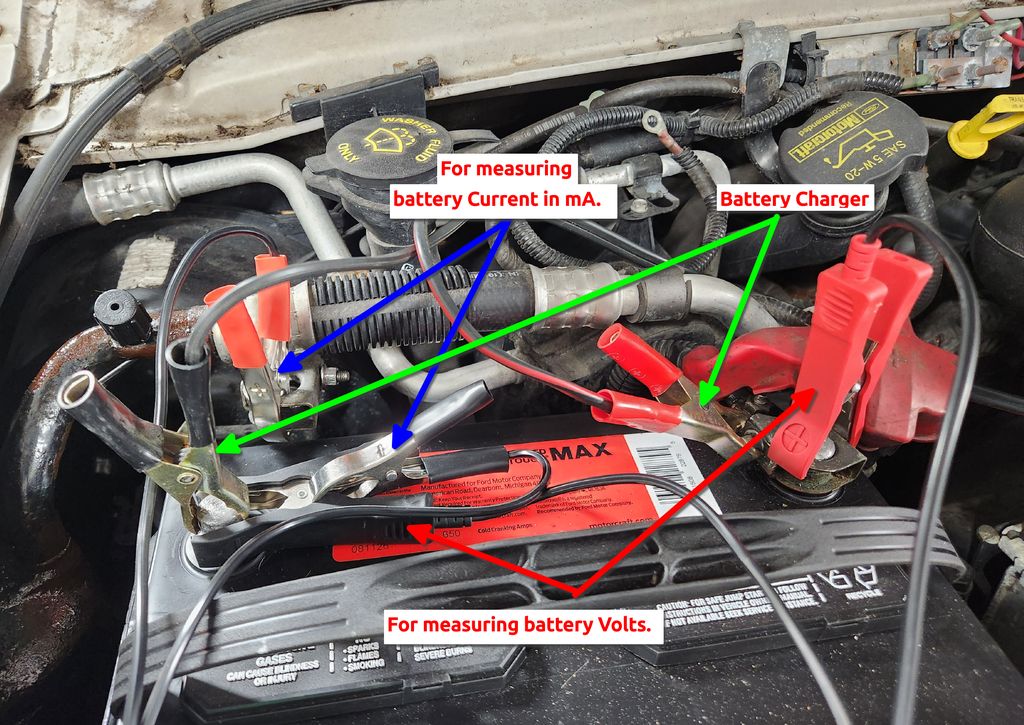
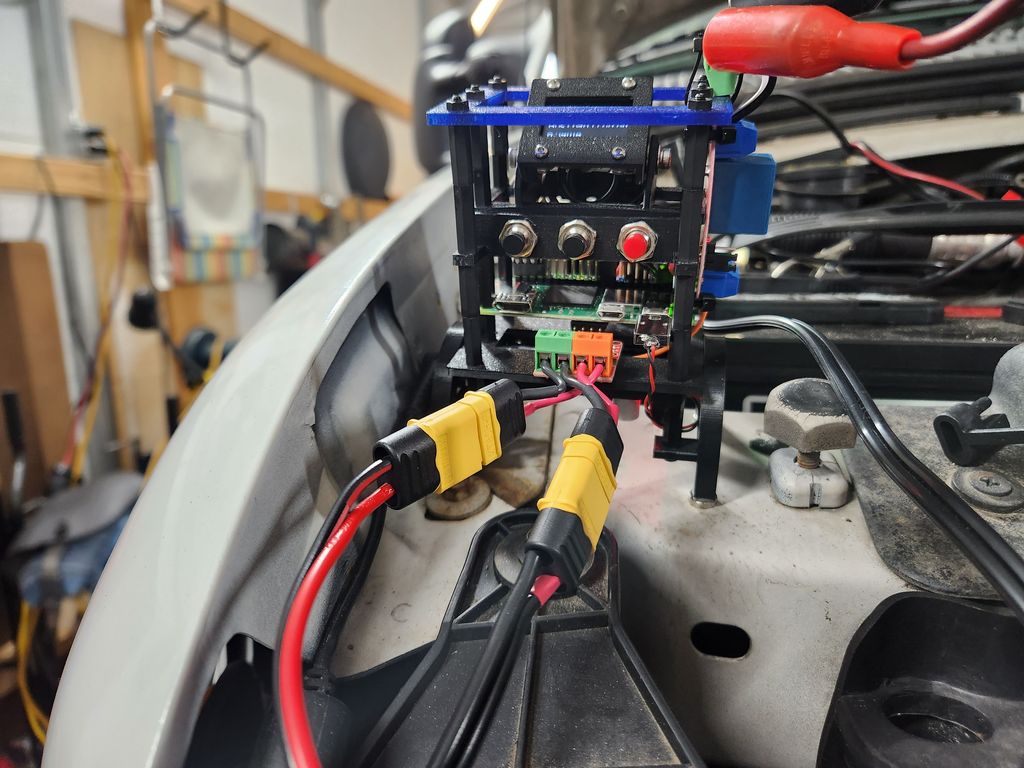
The Gallery
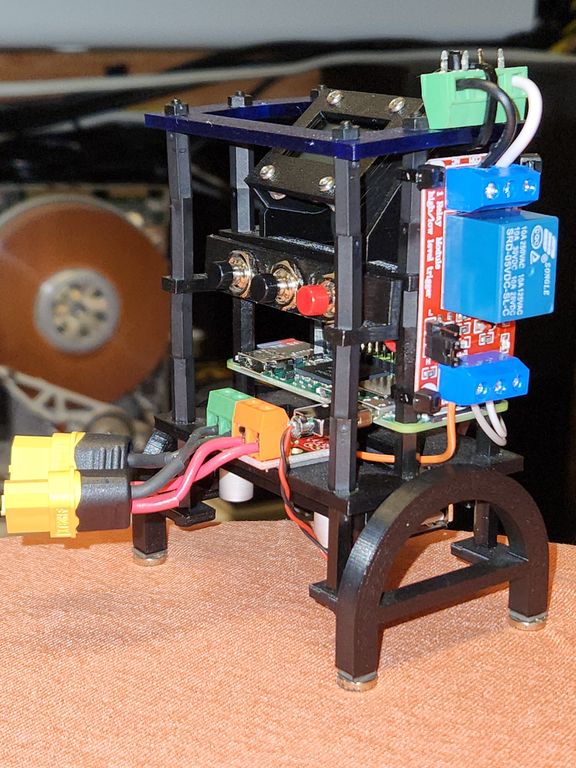
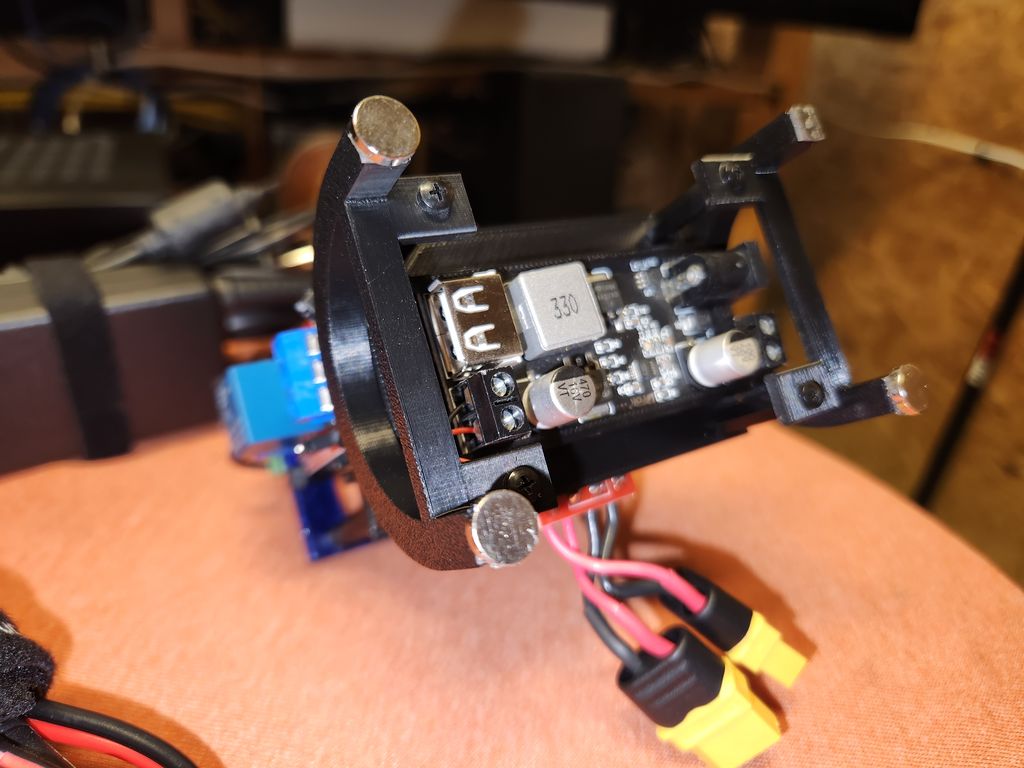
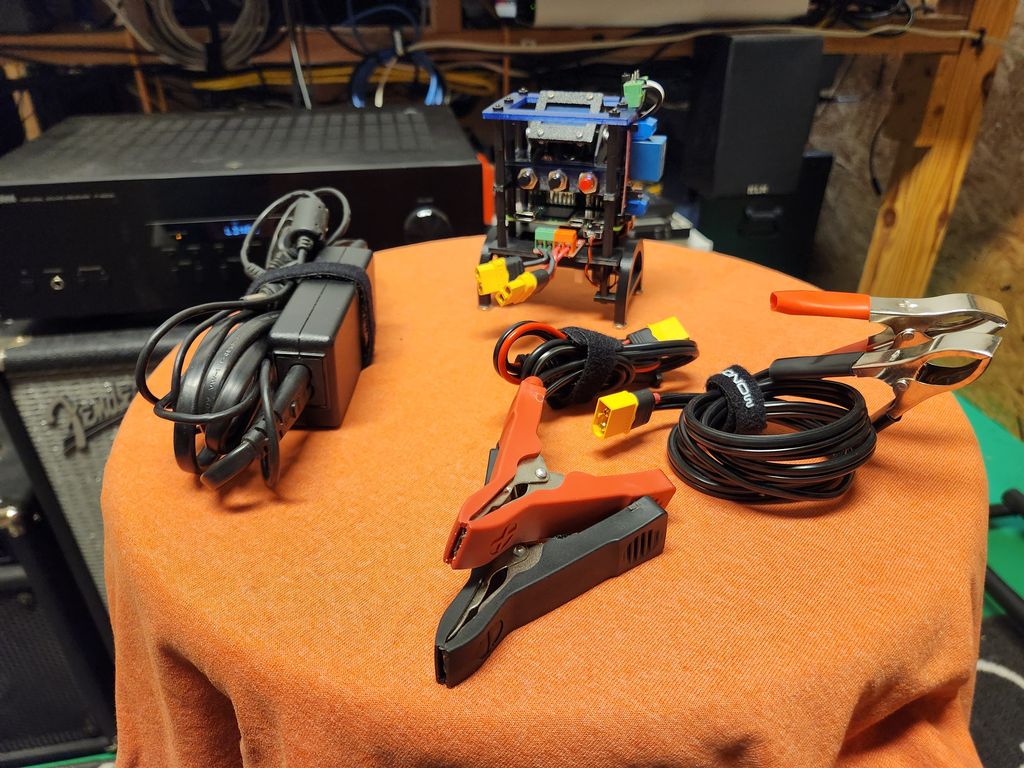
Electronics
Raspberry Pi Zero 2 W
INA226 voltage and current module
5V Relay: High/Low Trigger
DROK Buck Converter
XT60H Connectors
Momentary Push Button Switches
Used 19VDC laptop power supply. On hand because I never throw anything away.
(2) sets of battery clip leads. Came with some trickle chargers. On hand because I never throw anything away.
You will need Dupont connector jumpers. You can, of course, just solder everything.
Plastic Parts
You can get the OpenSCAD files for these here.
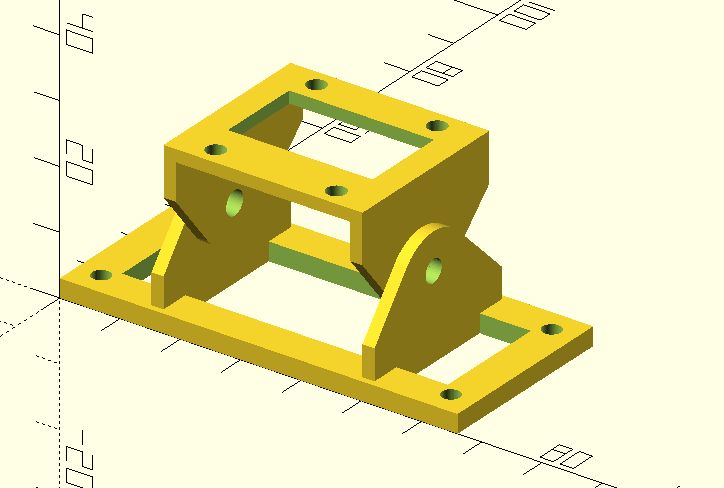 This is two modules in the same OpenSCAD file displayed together.
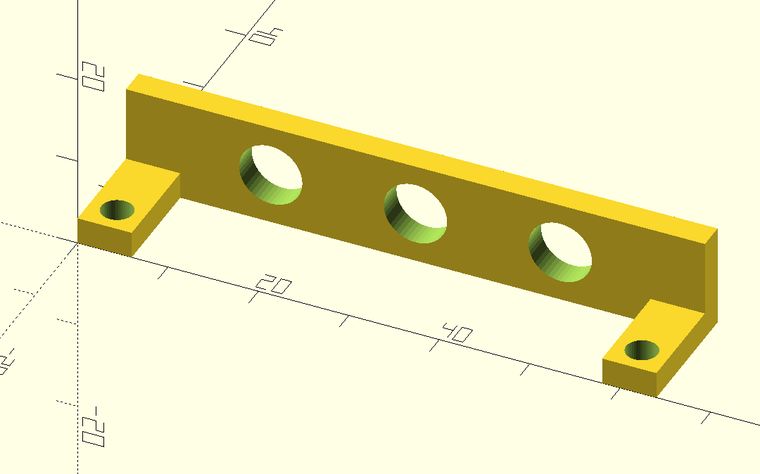 The holder for the three buttons.
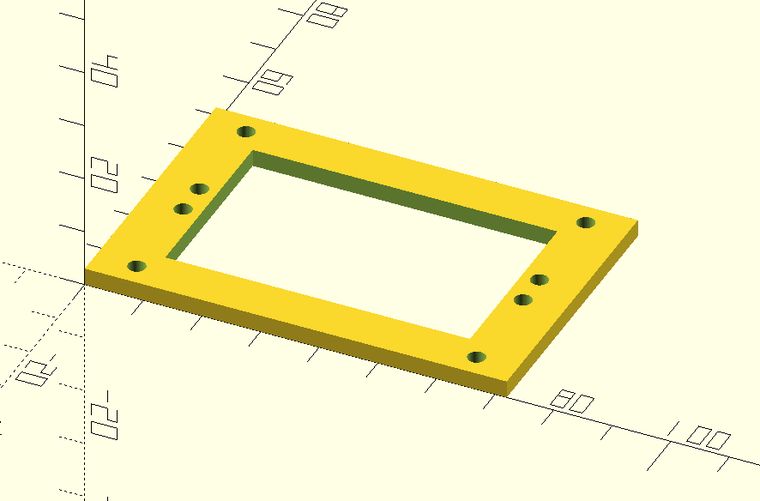 This is the very top level. It provides a bumper for the display, and a place to zip tie my Phoenix connector for the continuity tester's alligator clips.
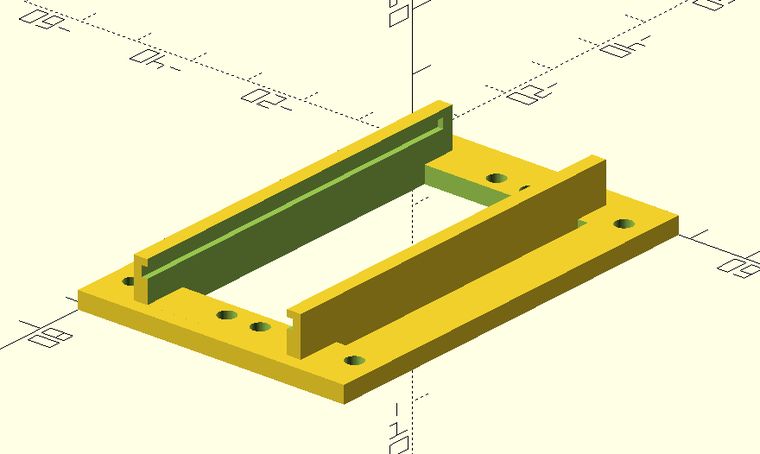 This holds the DROK buck converter and forms a base to mount the arch legs on.
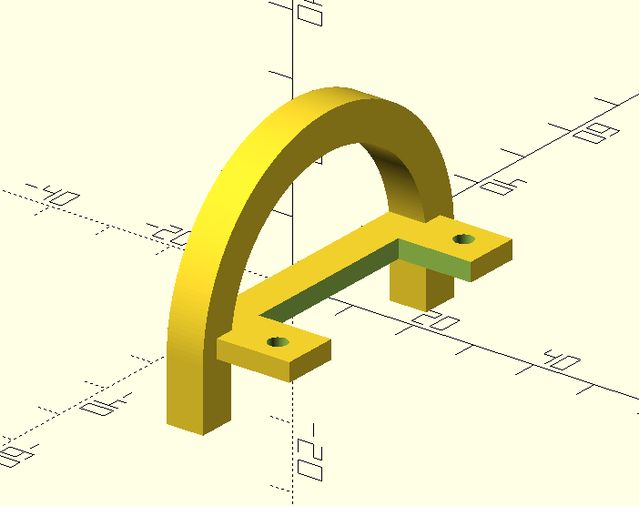 You need two of these arch end-caps/legs.
Hardware
M2 Stainless screws For the tiny display.
M2.5 plastic standoffs The main vertical pieces.
Gorilla Black Heavy Duty Mounting Tape This is GREAT stuff.
4-inch Zip Ties: Nothing else to say.
The Code
I started to post the code here, but realized it would be better to post the GitHub repo URL instead. There will be updates, and it's better to keep all that in one place.
Some Video (WARNING: Potentially irritating and extremely boring narration.)
BATMON is in what I consider beta status right now. Even so, it certainly is a Thing That Works. I've been wanting to make something like this for decades. Literally.